

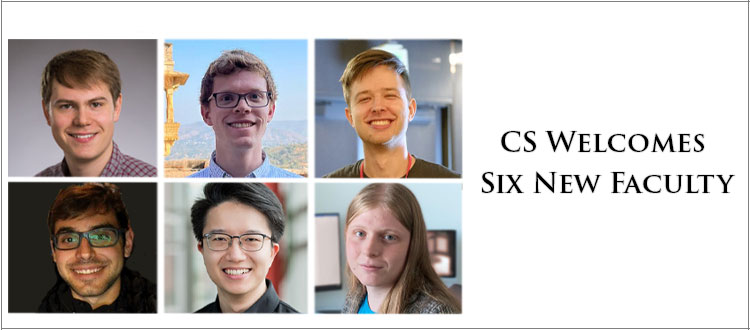


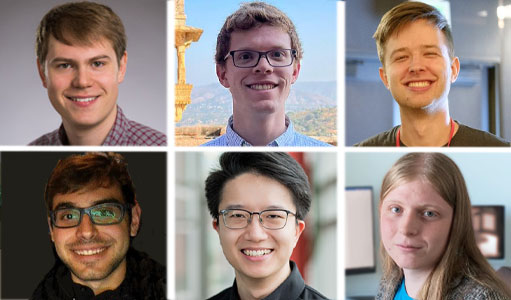
CS Welcomes Six New Faculty
The department is thrilled to introduce a cadre of new researchers poised to join the charge in artificial intelligence (AI) … Continue reading CS Welcomes Six New Faculty
The department is thrilled to introduce a cadre of new researchers poised to join the charge in artificial intelligence (AI) … Continue reading CS Welcomes Six New Faculty
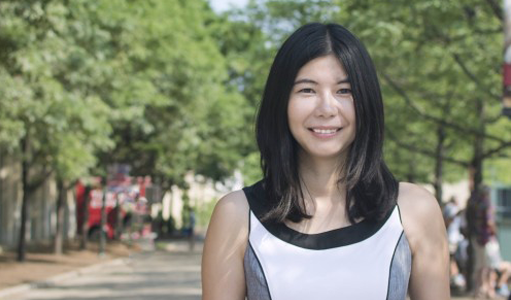
Columbia University is the first academic institution to partner with Richtech Robotics Inc. in its Richtech Accelerator Program, an initiative … Continue reading Zhou Yu Joins Richtech Accelerator Program

Lydia Chilton has won a 2025 Sloan Research fellowship, one of the most prestigious awards available to early-career faculty.

In this conversation, Dean Shih-Fu Chang and Vice Dean Vishal Misra discuss how the School is driving and responding to this exciting moment in the development of artificial intelligence.
Researchers from the department showcased their work at the 16th Innovations in Theoretical Computer Science (ITCS) conference, a premier forum … Continue reading Research Papers From The Theory Group At ITCS 2025
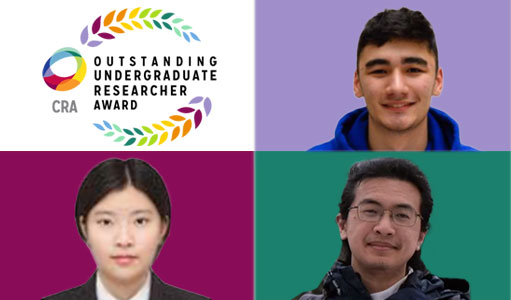
Three computer science students have been honored with the prestigious 2025 CRA Outstanding Undergraduate Researcher Award by the Computing Research … Continue reading Undergrads Dive Into Research Projects

In a world fixated on ever-higher resolutions and increasingly detailed images, a revolutionary new camera takes a daring step in … Continue reading Voices of CS: Jeremy Klotz

Joon Baek (CC’21 & MS SEAS’25) and Zino Haro (SEAS’20) launched Youth for Privacy, a nonprofit that raises awareness about online privacy rights and cybersecurity.
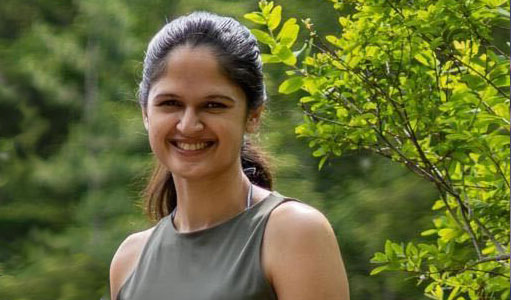
The fourth-year PhD student’s love of cartoons springboarded into a research career advancing realism in human-centric generative computer vision. As … Continue reading Voices of CS: Purva Tendulkar
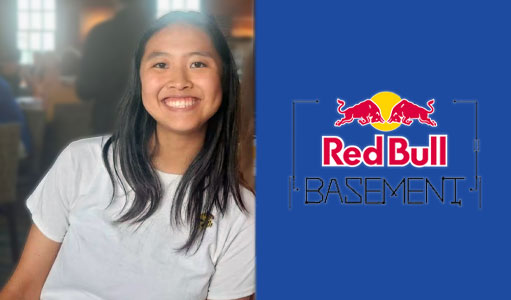
Emily Yin (SEAS’25), was selected as one of 10 national finalists out of over 15,000 applicants to participate in the national finals for Red Bull Basement, a global pitch competition for young entrepreneurs to develop and launch their … Continue reading PinPoint App Selected As A Finalist in Red Bull Basement’s AI-Powered Pitch Competition
 Add to GMail